

System Activity
System Activity is where administrators trace what happened in IZ Suite: who did what, which background work ran, which servers were running, and what an archived record looked like when it was archived. Every screen here is read-only.
Open it from Administration → System Activity in the sidebar.
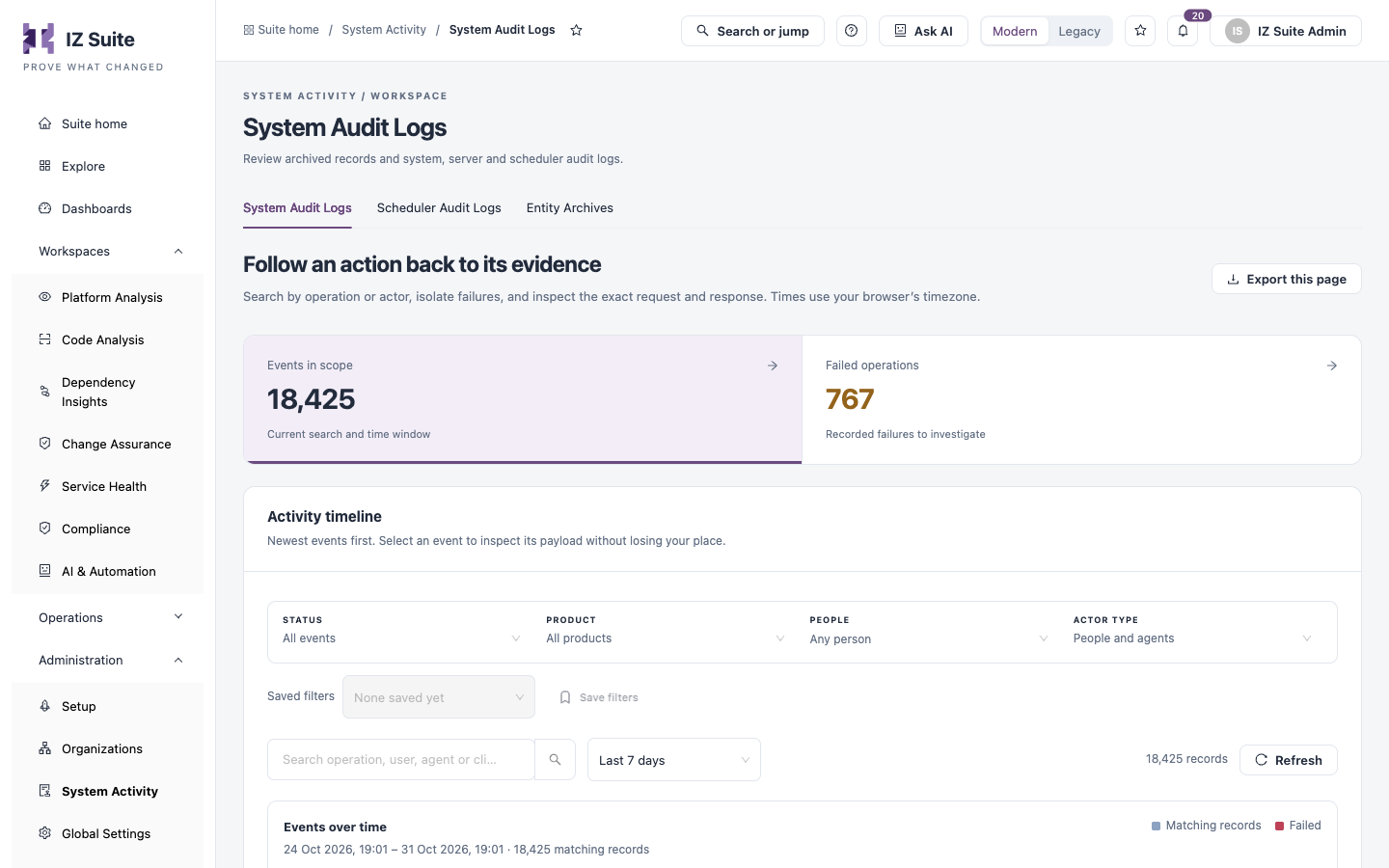
Every operation people and agents performed, with its request and response.
Background work the server queued, who ran it and its log.
Snapshots of records saved when they were archived.
The time-based tabs share the same tools: a time window (Last 24 hours, Last 7 days, Last 30 days, Custom range, All retained history), a chart of records over time where you click a bar to investigate that period, Saved filters, Refresh and Export this page. Filters and the selected record are kept in the page address, so you can share a link to an investigation. Times use your browser's timezone.
Next steps
System Audit Logs: follow an action back to its evidence.
Scheduler Audit Logs: check that background work runs.
Administration: the other administration screens.
Last updated
Was this helpful?