

My Account
My Account brings together everything about you as a user: your sign-in identity, the credentials your own integrations use, your IDE keys and projects, the activity recorded for your account, and your personal preferences.
Open it from the account menu: click your name in the top bar, then My account or My preferences. My Account is also under Administration in the sidebar.
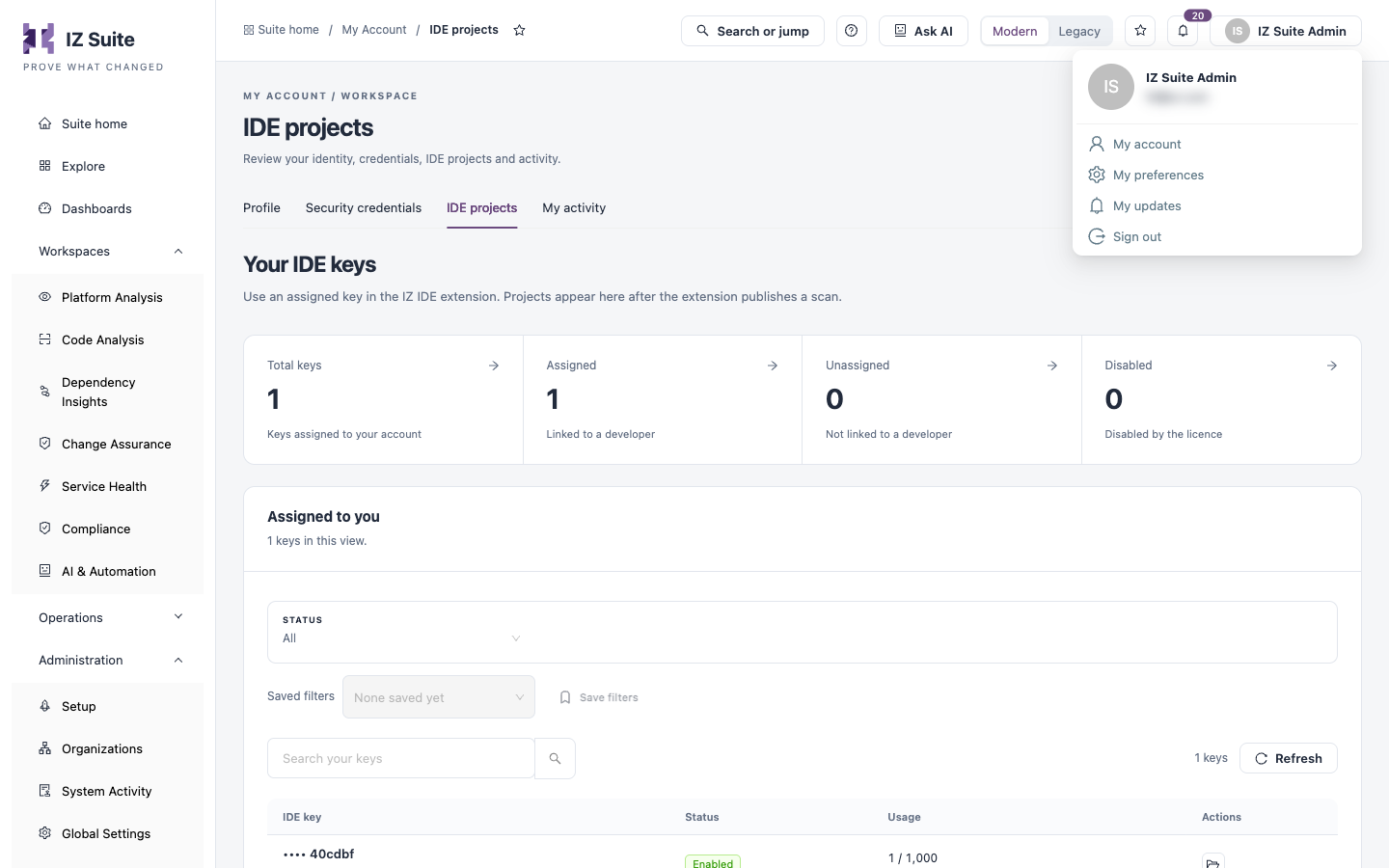
Your signed-in identity and shortcuts to your own work.
Generate, review, disable and enable the tokens your integrations use.
Your IDE keys and the projects scanned with them in the IDE extension.
Every operation recorded for your account, with its request and response.
Your picture, availability and delegate, home page, favourites and appearance.
Next steps
Profile: check how you are signed in.
Security Credentials: give an integration its own token.
My Preferences: choose where IZ Suite opens for you.
Last updated
Was this helpful?